Welcome back. Your saved answers are filled in. Clear my answers
This browser can’t save a draft here, so please finish in one sitting.
Your answers are cleared from this device.
Thanks. Your numbers are in.
Your Revenue Scorecard comes from jon@aegisdentalrcm.com within 1 business day. It goes to the owner, because it shows your team’s pay.
Times start at least 24 hours out, so your scorecard is ready before the call.
Book your readout (opens in a new tab)
Start here, owner or office manager: your contact details and your practice’s setup.
What’s ahead: steps 2 to 5 are numbers from reports your office already runs, usually the office manager’s part (about 20 minutes). Step 6 is the owner’s: your team’s hours and pay by role (about 10 minutes).
Every question needs an answer unless it’s marked Optional. Where a question offers “Don’t know”, “Not tracked separately” or “Unsure”, choosing it counts as an answer. Optional questions can stay empty: an unknown is a finding too.
Phone Optional
State
Practice software Choose one Dentrix Dentrix Ascend Eaglesoft Open Dental Curve Dental Denticon Carestream PracticeWorks Cloud 9 CareStack Archy Other Not sure Please choose your practice software.
Your role Choose one Owner dentist Office manager Billing or insurance coordinator DSO or group leader Other Please choose your role.
Your clearinghouse Choose one Vyne DentalXChange EDS Apex EDI Change Healthcare Dentrix eClaims Office Ally Availity Other Not sure The service that sends your claims to insurance payers.
Please choose your clearinghouse, or “Not sure”.
When you choose Next, these details come to us, so we can help if you get stuck. We never sell them. See our privacy policy .
Usually your office manager’s part: four numbers from your production and payment reports, and one from your claim history.
Production and collections are monthly averages of the last 3 full months (if the report shows a 3-month total, divide by 3).
Gross production, a month
Before PPO write-offs.
$
Please enter a number, or choose “Don’t know”.
Please enter a whole number, 0 or more.
Where do I find this?
Run your production and collections summary for the last 3 full months and read gross production on the totals row, then divide by 3.
Most practice systems have a production and collections summary under Reports; set the last 3 full months and read the totals row.
Can’t find it? Choose “Don’t know”: an unknown is a finding too.
Close
Net production after PPO write-offs, a month
Gross production less your PPO contractual write-offs.
$
Please enter a number, or choose “Don’t know”.
Please enter a whole number, 0 or more.
Where do I find this?
On the same summary, read net production for the same 3 months, then divide by 3.
If your summary doesn’t show net production, take the PPO write-offs for the same months off gross production.
Can’t find it? Choose “Don’t know”: an unknown is a finding too.
Close
Total collections, insurance and patient, a month
$
Please enter a number, or choose “Don’t know”.
Please enter a whole number, 0 or more.
Where do I find this?
On the same summary, read total collections for the same 3 months, then divide by 3.
Most practice systems show total collections, or total payments, on the same production and collections summary.
Can’t find it? Choose “Don’t know”: an unknown is a finding too.
Close
Insurance collections, what payers paid net of take-backs, a month
Insurance payments only, less anything payers took back. If your reports don’t split it out, your best estimate is fine.
$
Please enter a number.
Please enter a whole number, 0 or more.
Where do I find this?
Look for a payment summary by type for the same 3 months, add up the insurance payments, subtract anything payers took back, then divide by 3.
Most practice systems can split payments by type under Reports; read the insurance lines.
Close
Usually your office manager’s part: one insurance aging report covers this step.
AR is as of the day the report is run.
Insurance AR by age
From the report’s totals row: the dollars in each age bucket and, if you have them, the number of claims.
Please enter a number, or choose “Don’t know”.
Please enter a whole number, 0 or more.
Where do I find this?
Run your insurance aging report, sometimes called outstanding claims, and read the dollars and claim counts for each age on the totals row.
Most practice systems have this under Reports › Insurance; look for an insurance aging or outstanding claims report and read the totals row.
Can’t find it? Choose “Don’t know”: an unknown is a finding too.
Close
Insurance AR over 365 days Optional
Part of your 91+ dollars, if your report can show it.
$
Please enter a whole number, 0 or more.
Patient AR, total Optional
What patients owe the practice.
$
Please enter a whole number, 0 or more.
Where do I find this?
Run your accounts receivable aging report on the same day and read the patient portion on the totals row.
Most practice systems have an accounts receivable aging report under Reports; read the patient portion on its totals row.
Close
Usually your office manager’s part: counts of what’s waiting today, from your practice software and your clearinghouse.
Queue counts are as of today.
Claims created but not sent
Created in your software but never sent to a payer.
claims
Please enter a number, or choose “Don’t know”.
Please enter a whole number, 0 or more.
Where do I find this?
Run your unsent claims report and read how many claims are waiting today.
Most practice systems keep unsent claims in a batch or a claims-not-sent report; read the count on its totals row.
Can’t find it? Choose “Don’t know”: an unknown is a finding too.
Close
Completed procedures with no claim
Work that’s done and posted but never billed to insurance.
procedures
Please enter a number, or choose “Don’t know”.
Please enter a whole number, 0 or more.
Where do I find this?
Run your unbilled or unattached procedures report for completed work and read how many procedures have no claim today.
Most practice systems have a report of completed procedures not billed to insurance under Reports; read the count on its totals row.
Can’t find it? Choose “Don’t know”: an unknown is a finding too.
Close
Dollars on those procedures Optional
The insurance estimate if the report shows one, otherwise the fee.
$
Please enter a whole number, 0 or more.
Open clearinghouse rejections, not yet corrected
Claims the clearinghouse sent back that haven’t been fixed and resent.
claims
Please enter a number, or choose “Don’t know”.
Please enter a whole number, 0 or more.
Where do I find this?
Open your clearinghouse’s rejection queue and read how many rejected claims are still waiting for a fix today.
Most clearinghouse portals keep rejected claims in a queue or report of their own; count the ones not yet corrected.
Can’t find it? Choose “Don’t know”: an unknown is a finding too.
Close
Insurance payments received but not posted (ERAs and EOBs)
Count each ERA or EOB once.
payments
Please enter a number, or choose “Don’t know”.
Please enter a whole number, 0 or more.
Where do I find this?
Count the ERAs waiting in your practice software’s ERA queue today, plus any paper EOBs not yet posted.
Most practice systems hold incoming ERAs in a queue until they’re posted; count what’s waiting there and any paper EOBs not yet entered.
Can’t find it? Choose “Don’t know”: an unknown is a finding too.
Close
Claims sent 14+ days ago with no payer acknowledgment
Accepted by your clearinghouse, but not yet confirmed by the payer.
claims
Please enter a number, or choose “Don’t know”.
Please enter a whole number, 0 or more.
Where do I find this?
Search your clearinghouse’s claim status for claims sent 14 or more days ago with no payer acknowledgment or payer claim number, and read how many it finds today.
Most clearinghouse portals show each claim’s status; look for claims accepted 14 or more days ago with no payer acknowledgment yet.
Can’t find it? Choose “Don’t know”: an unknown is a finding too.
Close
Usually your office manager’s part: four questions on denials and write-offs, then optional ones if you have a few more minutes.
Denials are the last 90 days; write-offs the last 6 months.
Denied claims in the last 90 days, in dollars
If you don’t keep a denial log, your best estimate is fine.
$
Please enter a number.
Please enter a whole number, 0 or more.
Where do I find this?
Look at your denial log, or the denial codes on your ERAs, for the last 90 days and add up the dollars on the denied claims.
Few practice systems have one denial report; your ERAs’ denial codes or your own denial log are the usual sources.
Close
How much of those denied dollars gets paid later?
After a fix or an appeal. Your best sense is fine.
Please choose one.
Insurance write-offs that weren’t PPO contractual, last 6 months
Such as timely filing write-offs, uncollectible claims and denials you didn’t bill to the patient. If your software doesn’t split them out, choose “Not tracked separately”: we’ll use your denials instead.
$
Please enter a number.
Please enter a whole number, 0 or more.
Where do I find this?
Run your adjustments report by type for the last 6 months and add up the insurance write-offs that weren’t contractual.
Most practice systems have an adjustments report under Reports that groups by type; set the last 6 months and add the non-contractual insurance types.
Close
When was the insurance aging last cleaned up?
Paid claims closed and dead claims written off. Your best sense is fine.
Please choose one.
Optional: a little more detail
Skip any you can’t find: an unknown is a finding too.
Your top denial reasons Optional
From the last 90 days. Choose all that apply.
Where do I find this?
Look at your denials from the last 90 days, in your denial log or the denial codes on your ERAs, and pick the reasons that come up most.
The reason codes on your ERAs name the reason for each denial; your own denial log works too.
Can’t find it? Choose “Don’t know”: an unknown is a finding too.
Close
Share of insurance dollars paid by virtual card Optional
In a typical month.
Where do I find this?
Your card processor’s statement, or the payment method on your ERAs, shows how much of a typical month’s insurance money came by virtual card, and the fee.
Most offices find both on their card processor’s monthly statement.
Can’t find it? Choose “Don’t know”: an unknown is a finding too.
Close
The card fee, as a percent Optional
What your card processor keeps from each virtual-card payment.
%
Please enter a percent from 0 to 100.
Recoupments and offsets, last 6 months Optional
Money payers took back after paying, including offsets against other claims.
Where do I find this?
Look for offsets and negative amounts on your remittances from the last 6 months and add up how many and how much payers took back.
Take-backs usually show on ERAs and EOBs as offsets or negative amounts; some systems also log them as negative insurance adjustments.
Close
This step is for the owner: who on your team does insurance work, by role, never by name.
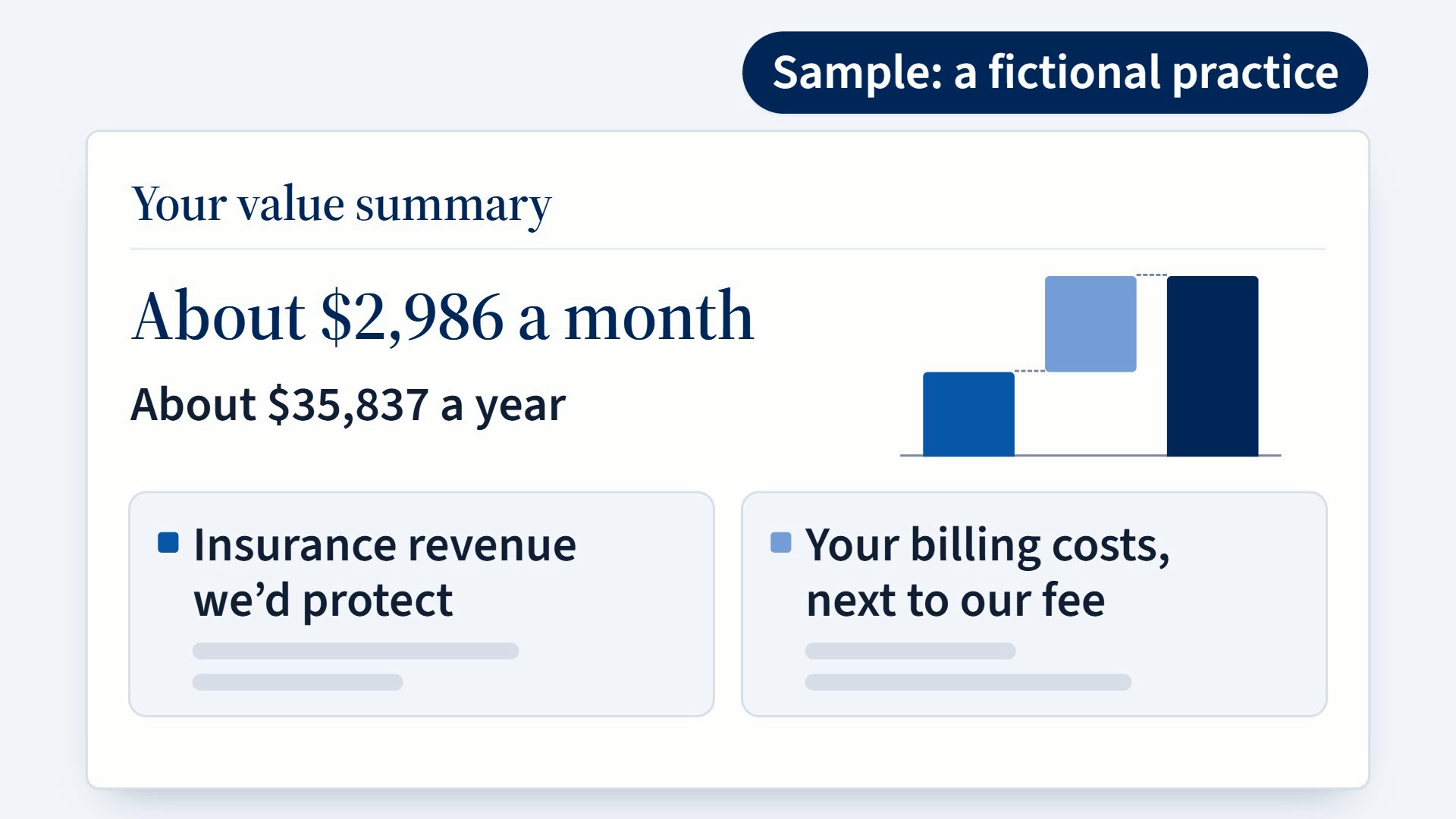
Their hours and pay give us the second half of your value summary: what your billing work costs next to our fee.
Give each person’s pay as an hourly rate with their paid hours a week, or as an annual salary. We count a salary as full time, 2,080 hours a year; if someone on a salary works fewer hours, tell us in the notes at the end.
Not the owner? Choose “Save and finish later”, and ask the owner to finish this step on this device.
Hours are a typical week; overtime, outside billing and eligibility volume a typical month.
Who does insurance work
Up to 5 people, the ones who do the most insurance work. Include yourself if you do some.
Add a person
Insurance hours a week, all roles
Please add at least one person who does insurance work.
Overtime paid for insurance work, a month
Enter 0 if none.
$
Please enter a number.
Please enter a whole number, 0 or more.
What you pay a billing company, temp or outside biller, a month
Enter 0 if none. Don’t count anyone listed above.
$
Please enter a number.
Please enter a whole number, 0 or more.
Eligibility checks and full benefit breakdowns, a month
Count both together. Enter 0 if no one does them.
Please enter a number.
Please enter a whole number, 0 or more.
Check your answers before you send them; “Edit” takes you back to any step.
You and your practice Edit You and your practice
Production and collections Edit Production and collections
Your insurance AR Edit Your insurance AR
Waiting in the queue Edit Waiting in the queue
Denials and write-offs Edit Denials and write-offs
Anything else we should know? Optional
Not the owner? Add the owner’s email here, so the scorecard can go straight to them. Please don’t include any patient information.
We use these numbers to build your Revenue Scorecard and never sell them. See our privacy policy .
Your numbers didn’t send, and your answers are still here. Please try again, or email jon@aegisdentalrcm.com and we’ll set it up from there.
What happens next
Within 1 business day, we send your Revenue Scorecard to the owner, because it shows your team’s pay. Then a 30-minute readout with your team: you can book it on the next page. No patient information at any step: your scorecard shows practice numbers only.